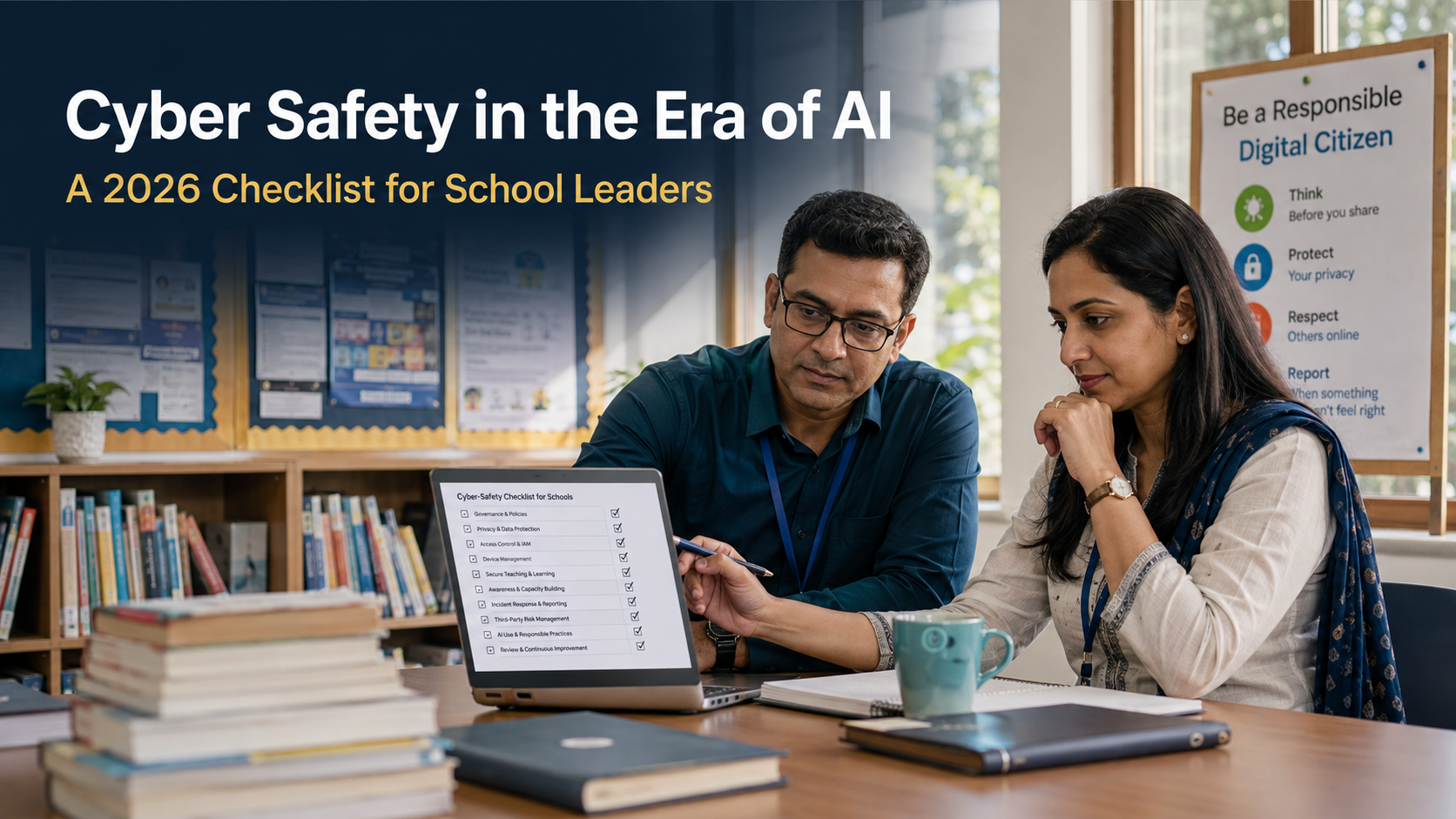
A practical 2026 cyber-safety checklist for school leaders: AI-use rules, staff awareness, vendor reviews, account security, incident readiness and student digital citizenship.
For school leaders, cyber safety is no longer only about firewalls, passwords and a once-a-year awareness session. Artificial intelligence has changed the pace and shape of everyday risks. A realistic voice note can be copied in seconds. A persuasive email can be drafted without strong language skills. A classroom photograph can be altered and shared before a teacher has heard about it. At the same time, AI can help schools improve learning, support inclusion and reduce routine workload.
The challenge is not to keep AI out of school life. That is neither practical nor useful. The challenge is to make sure that students, teachers, leaders and service providers use it with judgement. A school that is cyber-safe in the era of AI does not rely on fear. It creates clear boundaries, trains people to notice unusual activity and makes it easy to report concerns early.
This 2026 checklist is designed for principals, school management teams, IT leaders and safeguarding leads. It is not a technical manual. It is a way to bring the most important questions into one conversation: what information the school holds, how people access it, what new tools are entering classrooms, and who acts when something does not feel right.
Why AI changes the cyber-safety conversation
Traditional cyber awareness often focused on obvious warning signs: a poorly written email, an unfamiliar attachment or a message from a suspicious address. Those clues still matter, but AI-assisted scams can be more polished. A fake message may use a principal’s name, refer to a school event and mirror the tone of a familiar colleague. A deepfake voice can create urgency around a payment, a student emergency or a confidential request.
There is a second change. More staff members are experimenting with tools independently. A teacher may use a public AI service to generate a lesson plan, summarise meeting notes or prepare a parent communication. The intention may be positive, but the material pasted into a tool can include personal information, assessment records or details that should remain inside the school’s approved systems.
A strong cyber safety policy for schools addresses both sides of the issue. It helps people spot malicious activity, and it gives them sensible ways to use legitimate technology. The goal is not to make every staff member a cyber-security specialist. It is to make safe choices feel normal, quick and supported.
The 2026 checklist for school leaders
1. Assign clear ownership
Cyber safety falls between roles when no one is visibly responsible. A principal may assume the IT team is handling it; the IT team may assume safeguarding or administration owns the risk; teachers may be left to decide for themselves. A school should name a small accountable group—typically a senior leader, IT lead, safeguarding representative and operations or finance representative—and give it a regular review rhythm.
The group does not need to meet every week. It does need to know who can approve a new digital tool, who can communicate with parents after an incident, who can speak to a vendor, and who makes the decision when a staff member reports a concern.
2. Know what systems and data you actually have
Before improving controls, create a straightforward inventory. Include the school information system, learning platforms, email, cloud storage, finance software, classroom applications, admissions systems, CCTV or access-control platforms, staff devices and any public AI tools already being used. For each one, record the owner, the types of data involved, who can access it and what happens when an employee or student leaves.
This work often uncovers simple gaps: an old staff account still active, a shared password for a service, a vendor relationship no one formally owns, or a personal drive being used for school files. Fixing those everyday weaknesses can reduce risk more effectively than purchasing another product.
3. Set rules for AI tools before they become routine
Every school needs a short, usable set of rules for generative AI. It should answer practical questions. May teachers use an AI tool to draft a worksheet? May they paste student work into it? Can students use it for brainstorming? What must be declared in an assignment? Which tools are approved for school accounts? When should a parent be informed?
The rules should make an important distinction: a prompt about a general classroom activity is not the same as uploading a student report, a counsellor’s note or a spreadsheet of contact information. Staff should never have to guess where that line sits. Clear examples are better than broad warnings.
4. Review vendors as carefully as you review teaching resources
A promising platform can be educationally valuable and still be the wrong choice for the school. Before a new service is adopted, ask where data is stored, whether it is used to train models, which sub-processors may access it, how long information is retained, how a breach is reported and whether the school can delete its data when the contract ends.
This is not only a procurement exercise. It is a leadership decision about trust. KaizenEd’s IT and cybersecurity support for schools can help institutions turn these questions into a proportionate vendor-review process, rather than relying on informal assurances or marketing claims.
5. Make sign-in security non-negotiable
Many incidents begin with an account, not a sophisticated attack. Require unique passwords, multi-factor authentication where available, and prompt removal of access when roles change. Review who has administrator permissions. Avoid shared logins, especially for finance, admissions, school social-media accounts and cloud storage.
Schools should also have a simple process for lost devices. Staff need to know exactly whom to contact, what to do if a device contains school information and how access can be removed quickly. The plan should be written down and tested—not stored in the memory of one helpful colleague.
6. Protect communication channels from impersonation
AI makes it easier to create convincing messages, but schools can reduce the impact by agreeing on verification habits. Changes to bank details, payment instructions, sensitive student information or urgent requests from leadership should never be confirmed only by email or messaging app. Use a known telephone number, a second authorised approver or an established internal channel.
Tell parents what the school will and will not ask for through email, WhatsApp or social media. When a family knows that financial requests are always verified through an official process, a scam becomes easier to recognise.
7. Teach students digital citizenship, not only online caution
Students need more than a list of prohibited behaviours. They need to understand why sharing a classmate’s image without permission can cause harm, why a generated image may be misleading, why private conversations should not be copied into public tools, and how to seek help when they encounter disturbing or manipulative content.
Age-appropriate discussions work best when connected to real choices: a group chat, an edited photo, a gaming account, an assignment, a voice note or an online disagreement. The emphasis should be on respect, evidence, consent and reporting. A student who worries they will be punished for coming forward is less likely to report a problem early.
8. Give teachers practice, not just a policy PDF
Teachers are often the first people students approach and the first to spot an unusual account, an altered image or a message that has unsettled a class. They need confidence to respond calmly. Short scenario-based sessions are useful: a fake email from the principal, a parent alleging that an AI tool used student data, a student sharing a deepfake, or a teacher discovering that a classroom account has been accessed elsewhere.
These sessions should end with simple actions: preserve evidence, do not forward harmful material unnecessarily, inform the right person and avoid making promises before the facts are clear. KaizenEd’s education consulting services can connect these routines with wider staff development, leadership practice and school culture.
9. Create an incident plan that works at 4 pm on a Friday
An incident plan is useful only if people can use it under pressure. It should state whom to contact, how to isolate a device or account, where to record what happened, who communicates with families, how the school takes advice, and how learning continues if a core system is unavailable.
Run a short tabletop exercise once or twice a year. Choose a likely scenario, such as a compromised staff email or a fake parent message that reaches multiple families. Walk through the first hour, the first day and the follow-up review. The exercise will expose unclear responsibilities before a real incident does.
10. Review, learn and improve
Cyber safety is not a document that can be completed and filed away. New tools, staff changes, student behaviour and vendor updates all alter the picture. Keep a register of concerns, near misses and lessons learned. Review permissions after each term. Refresh staff examples when a new form of impersonation or online harm becomes visible.
A school that makes small, regular improvements is in a better position than one that waits for a major incident before acting.
What a responsible AI culture looks like
Responsible use does not mean avoiding innovation. It means asking the right questions before adoption. Does this tool support the intended learning? Is the teacher still able to exercise judgement? What information will leave the school’s approved environment? Can the student explain how the tool was used? Who is accountable if an output is inaccurate or harmful?
When these questions become routine, AI becomes less mysterious. Teachers can experiment with appropriate tools while retaining professional judgement. Students can learn to question outputs rather than accept them. Leaders can explain their approach to families with clarity rather than vague reassurance.
A 90-day starting point
In the first month, appoint the responsible group, map core systems and collect examples of the tools already being used. During the second month, agree a short AI-use guide, improve account security and review the highest-risk vendor relationships. In the third month, run a staff scenario session, introduce student digital-citizenship conversations and test the incident plan.
This sequence is manageable because it starts with what the school already knows. It does not require a dramatic technology purchase. It does require leaders to give the work attention and to make cyber safety part of educational quality, not a separate technical concern.
Questions school leaders often ask
Should schools ban AI tools to stay safe?
A blanket ban may appear simple, but it can push use out of sight and remove opportunities to teach responsible judgement. A better approach is to approve suitable uses, clearly restrict high-risk activity and explain why personal or confidential information must remain within approved systems. The policy should be reviewed as tools and classroom practice evolve.
What is the most important first security control?
There is no single answer for every school, but account security deserves urgent attention. Unique passwords, multi-factor authentication, fast removal of old accounts and limited administrator access prevent a large number of avoidable problems. Pair those controls with staff awareness, because a secure system can still be undermined by a convincing request for access or payment.
How should a school respond to a suspected deepfake?
Preserve the relevant evidence, avoid re-sharing harmful content, notify the school’s designated lead and record the facts before making public assumptions. The priority is the welfare of anyone affected and a calm, verified response. If a student is involved, safeguarding procedures should guide the next steps alongside the school’s technology and communication process.
The question worth asking now
Every school will use technology differently. The shared responsibility is to ensure that convenience does not outrun care. The schools that will manage AI well are unlikely to be the ones with the longest list of tools. They will be the ones where people know how to pause, verify, protect information and ask for help.
KaizenEd supports institutions that want to strengthen cyber safety without losing sight of learning, trust and teacher capability. Speak with the KaizenEd team about a practical review of your school’s technology, staff readiness and safe-use priorities.
This article provides general educational information. Each institution should assess its own systems, policies, learner context and applicable requirements before adopting a particular tool or response process.